
Pick what goes in it.
A showcase covers one inventory type, with an optional filter and the sort order you want. Trucks under $80,000, newest first. That is the whole setup.
Not everyone is ready to be emailed, and not every conversation starts in an inbox. A showcase is a public page of your live inventory that you can send to anyone. Nothing to build, and nothing to keep up to date: it reads from the same inventory your emails do.
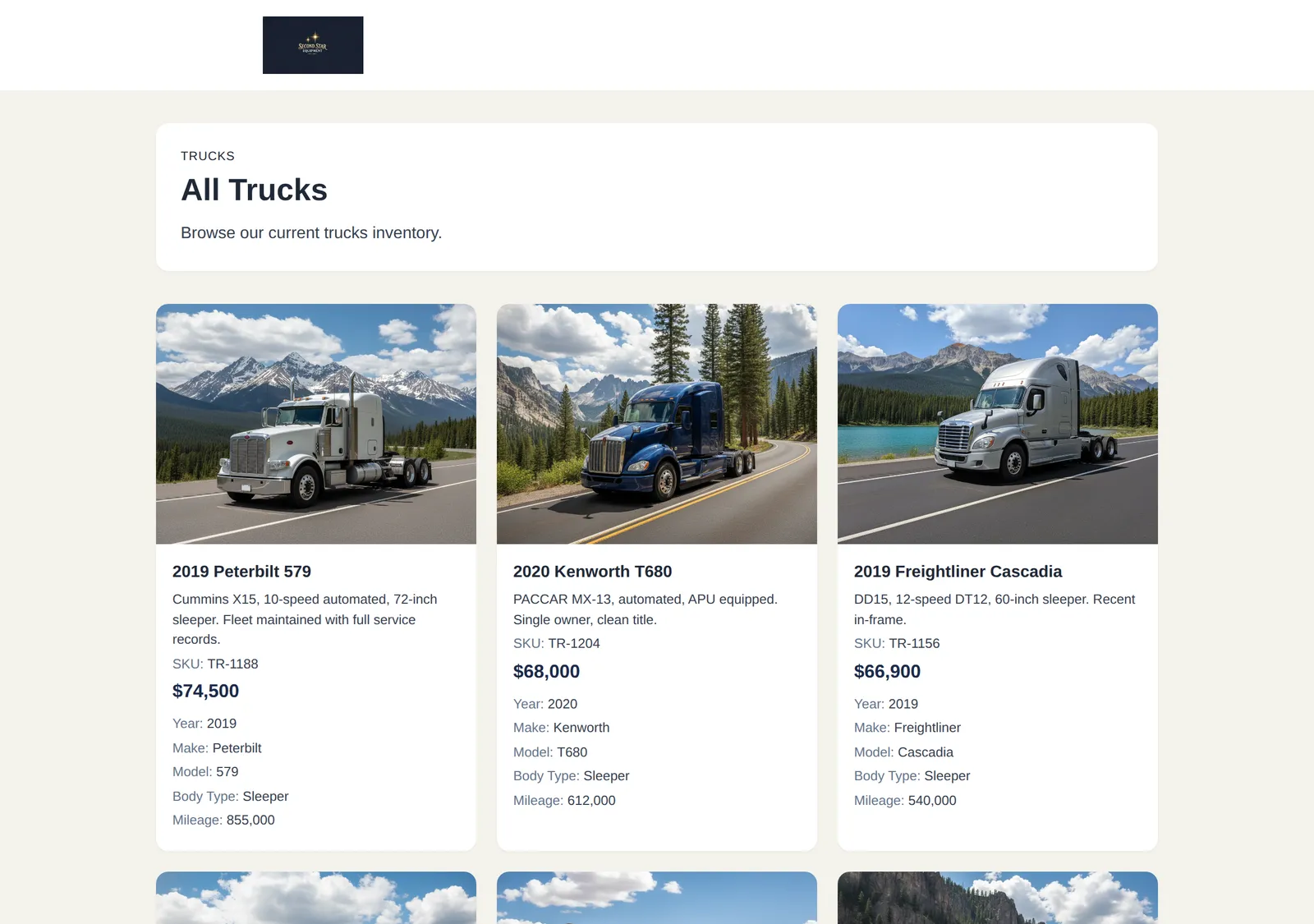
A showcase covers one inventory type, with an optional filter and the sort order you want. Trucks under $80,000, newest first. That is the whole setup.
Give it a title, a description, and a cover photo. Until you publish, nobody can reach it. After you publish, anyone with the link can.
A showcase is a live view of your inventory, not a copy you made once. Add an item and it appears. Mark one sold and it drops out on its own, whether or not you remembered to say so in the filter.
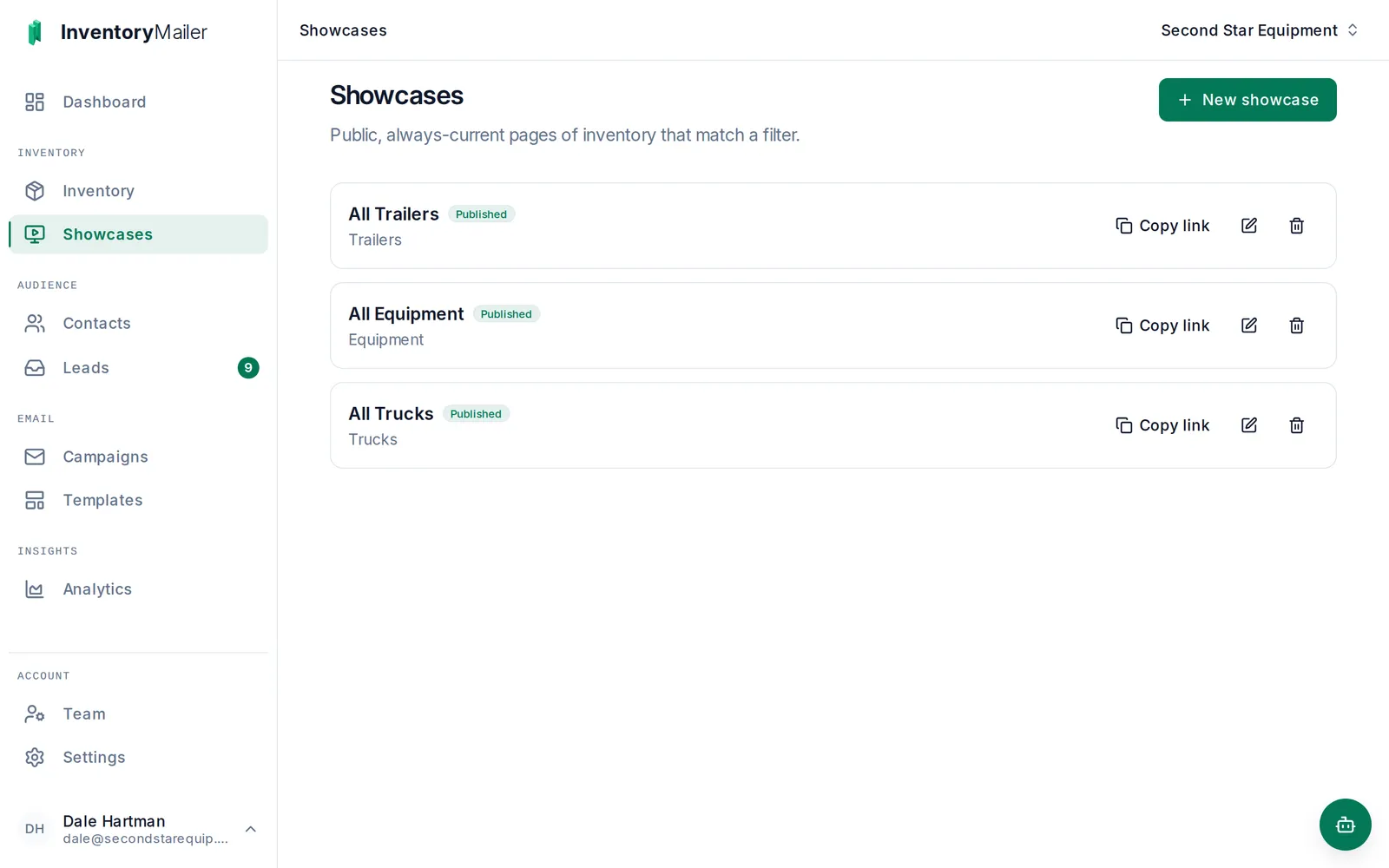
Then paste the link anywhere: in the emails you already send, in a text to a buyer who asked what else you have, in your social bio, or on a marketplace listing pointing back at the rest of your stock.
Every item on a showcase has its own page, with the full set of photos and the salesperson you assigned to it. A buyer with a question asks on the page, and it arrives as a lead routed to that rep, with the item attached.
Today a showcase lives on our domain and asks search engines to leave it alone, so it will not bring you search traffic the way your own site would. It is built for the link you send someone, not for being found by strangers.
Anyone with the link can open it, and links get forwarded. Treat it as public, because it is. Unpublish it and the link stops working.
Each showcase covers a single inventory type, so trucks and trailers are two pages, not one. Publish as many as you need, on any plan.
Showcases are on every plan, including Starter. Publish one during your trial and send the link to a real buyer.