
Stop rebuilding every week.
Copy-paste from a spreadsheet. Update prices. Re-upload photos. Hope nothing's stale.
Build the email once. Live blocks pull straight from your inventory, so the listings, prices, and photos stay right on their own as things change. No rebuilding it every week, no developer to wire it up, no settling for whatever came bundled.
From $29 a month. 30 days free on Pro, capped at 500 contacts and 500 emails while you evaluate. Bringing a bigger list? Ask us to raise the limits for a real send.
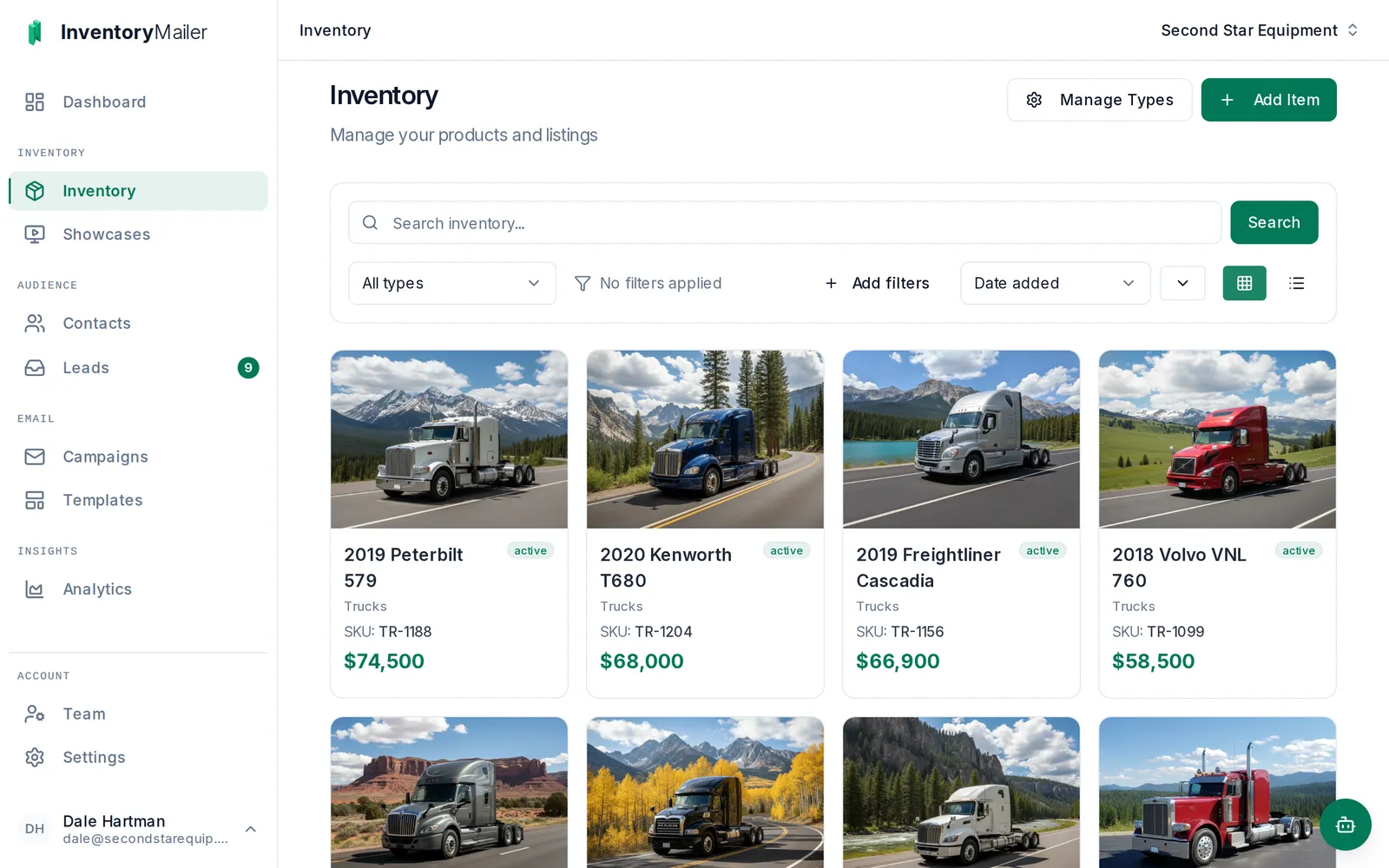
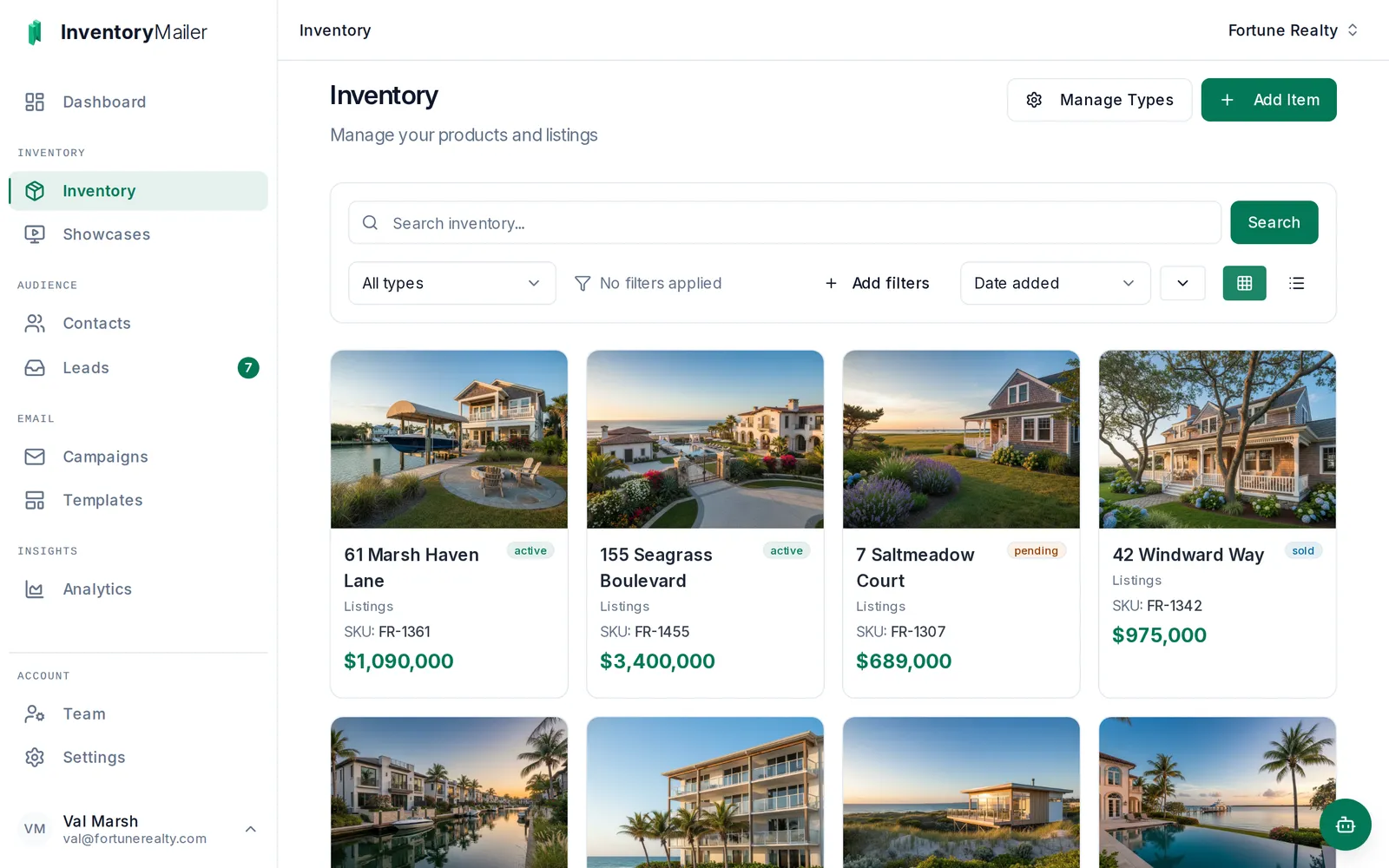
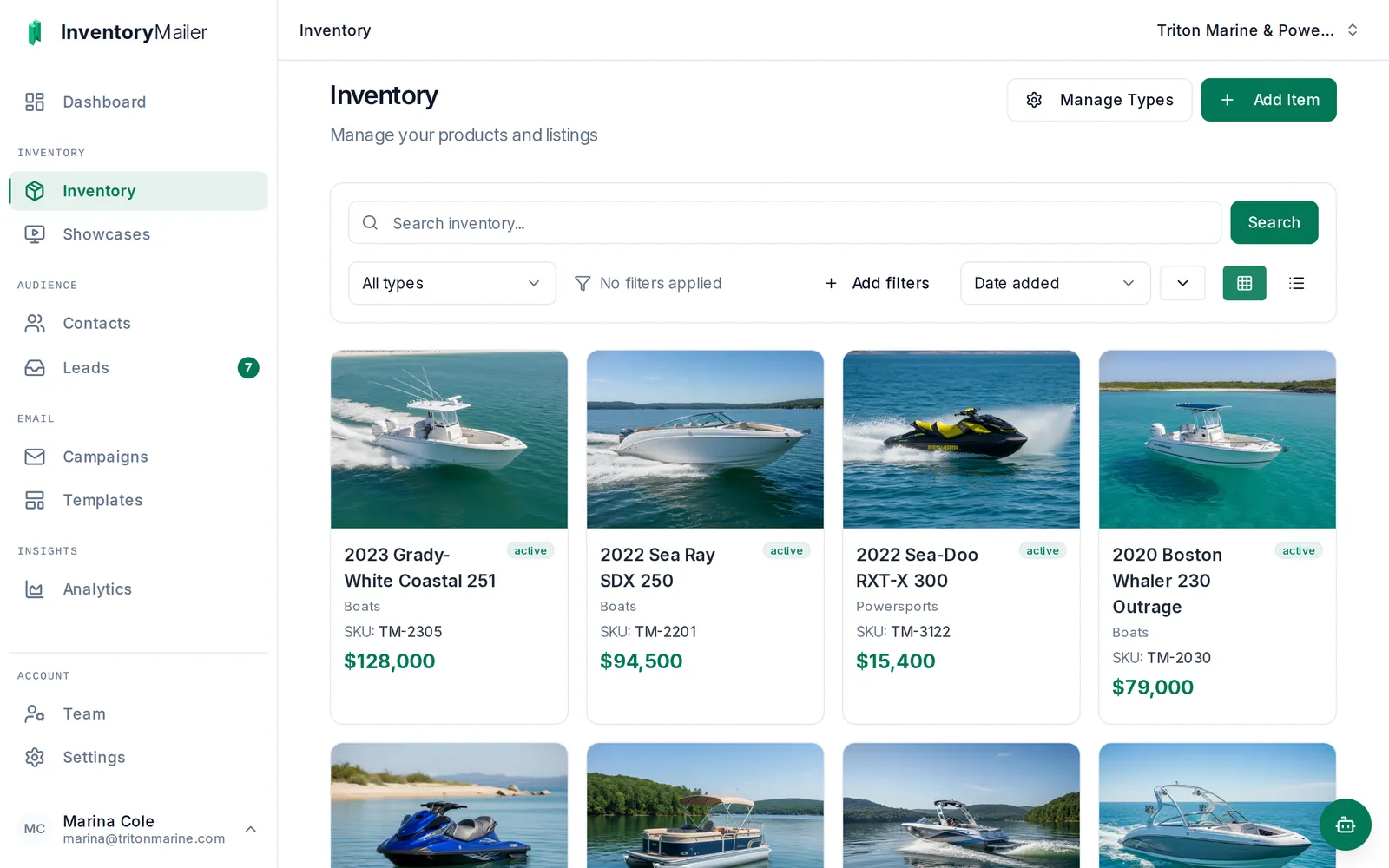
Connect Claude, ChatGPT, or Copilot to your account, and ask in plain words. It builds the emails, sorts the contacts, sets up the campaigns, and reads back what worked. Nothing changes until you approve it.
See what it can doYou: Draft an email with a live grid of everything we have under $50,000, newest first. Checked the fields on your inventory Built a template with a live inventory grid Assistant: Drafted "Under $50K this week": a grid of six, newest first, filtered to a price under $50,000. It refreshes itself every time you send, so sold units drop out and new ones show up. It is waiting for your approval in Inventory Mailer. Review and approve in Inventory Mailer
Generic email tools are built around contacts and content. They have no concept of a thing you sell, whether that is a truck, a listing, or a boat: one that arrives, gets priced, sells, and is replaced by the next one.
Copy-paste from a spreadsheet. Update prices. Re-upload photos. Hope nothing's stale.
Connect your list to a tool that was never built for it. Then pay again every time something changes.
Ugly, slow, and locked down. It looks like everyone else, and you can't change it.
Inventory Mailer is built around the thing you sell. What goes out is built from your inventory, and what comes back is a name, asking about one specific item.
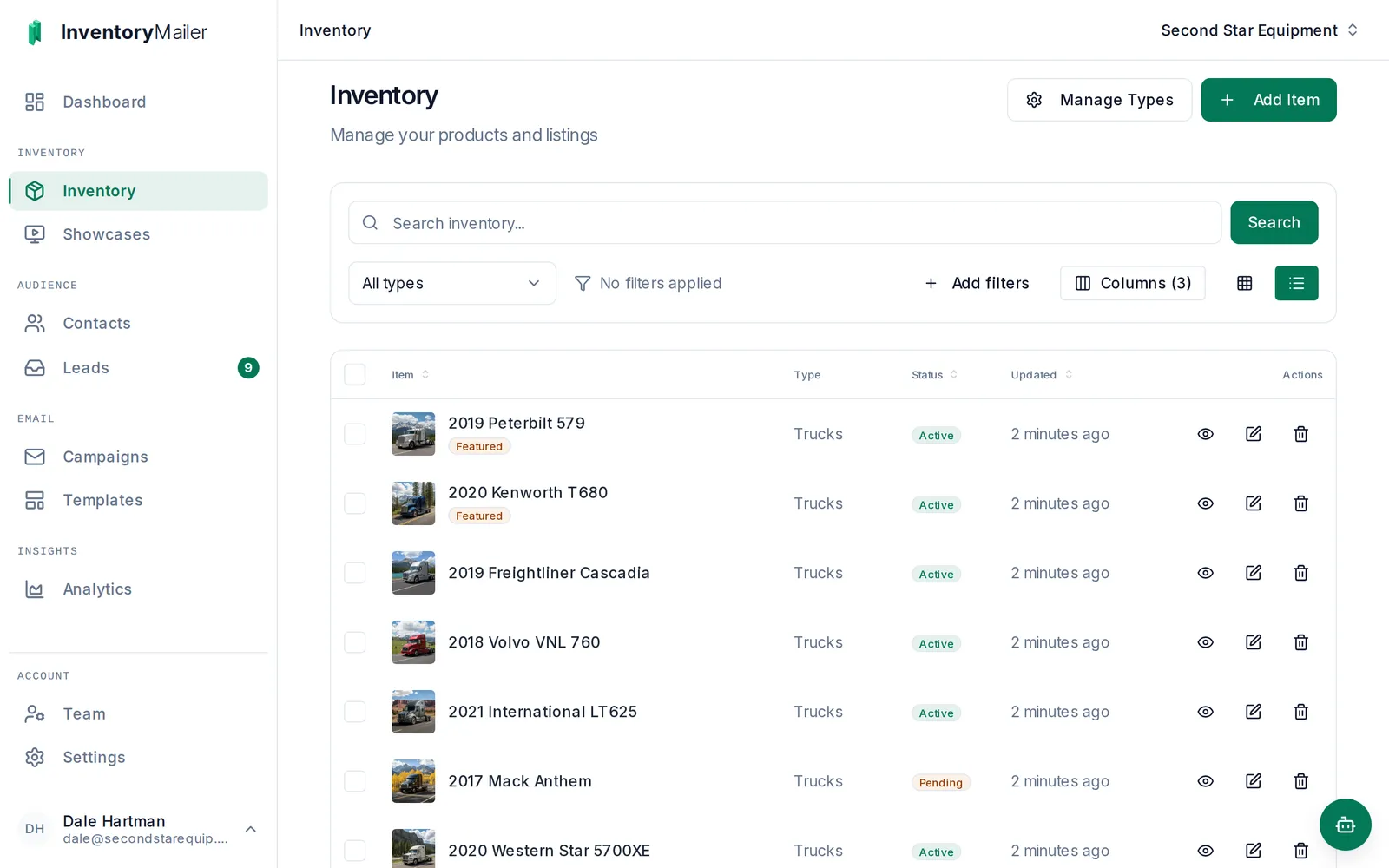
Define your own types and the custom fields that matter for what you sell, and give every item a photo gallery. Upload a CSV on any plan and we map the columns for you, or connect a feed on Pro and up so your items update on their own. Stock somewhere else? Tell us where and we will see if we can help.
Drag in a live inventory block and set a simple filter, like listings under a price, in stock only. That filter is the whole setup. Every send pulls your current items automatically, so the filter chooses the items and you don't.

Send now, schedule it, or let it send itself: every Monday, or only when five new items have come in. Every send pulls your inventory as it stands at that moment, so nothing goes out stale. Then see where the mail got to, who clicked, and which items they clicked, drawn to scale so the drop-off is plain.
How automated sends work Full analytics on Pro and up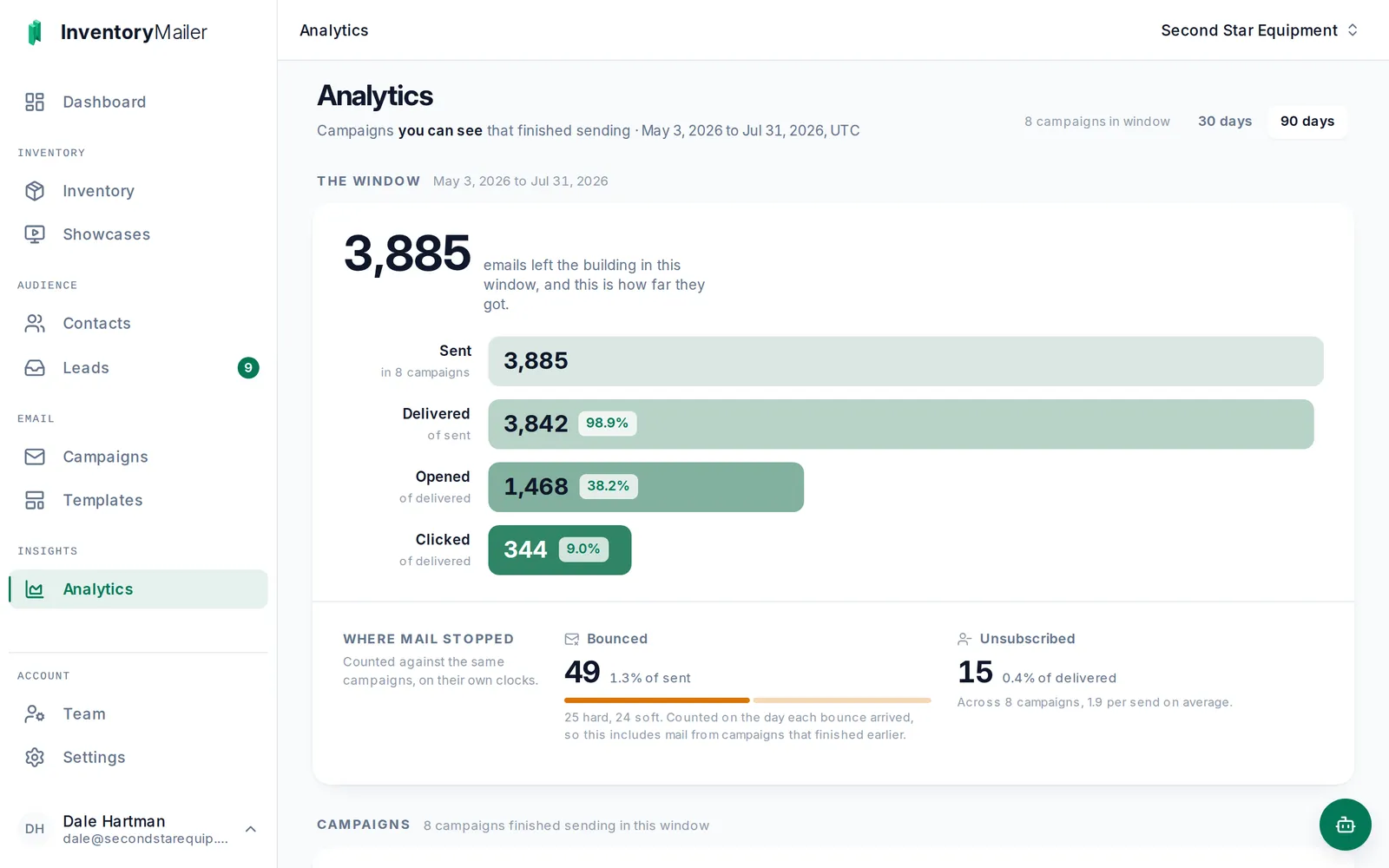
Every item in the email links to its own page, with the photo gallery and the salesperson you assigned to it. A buyer asks a question there and it lands in your inbox as a lead, routed to that rep, with the item attached. Clicks and questions move buyers along your pipeline, so the rep knows who to call first.

Add a Sales Seat and that rep's contacts, groups, send cap, and dashboard are theirs alone, enforced by the database rather than by a setting.
How Sales Teams worksA public, always-current page of your live inventory, for anyone who is not ready to be emailed. Publish it once and paste the link anywhere.
How Showcases workClicks and questions move buyers along your pipeline on their own, and the Today page shows each rep who to call first.
How the pipeline works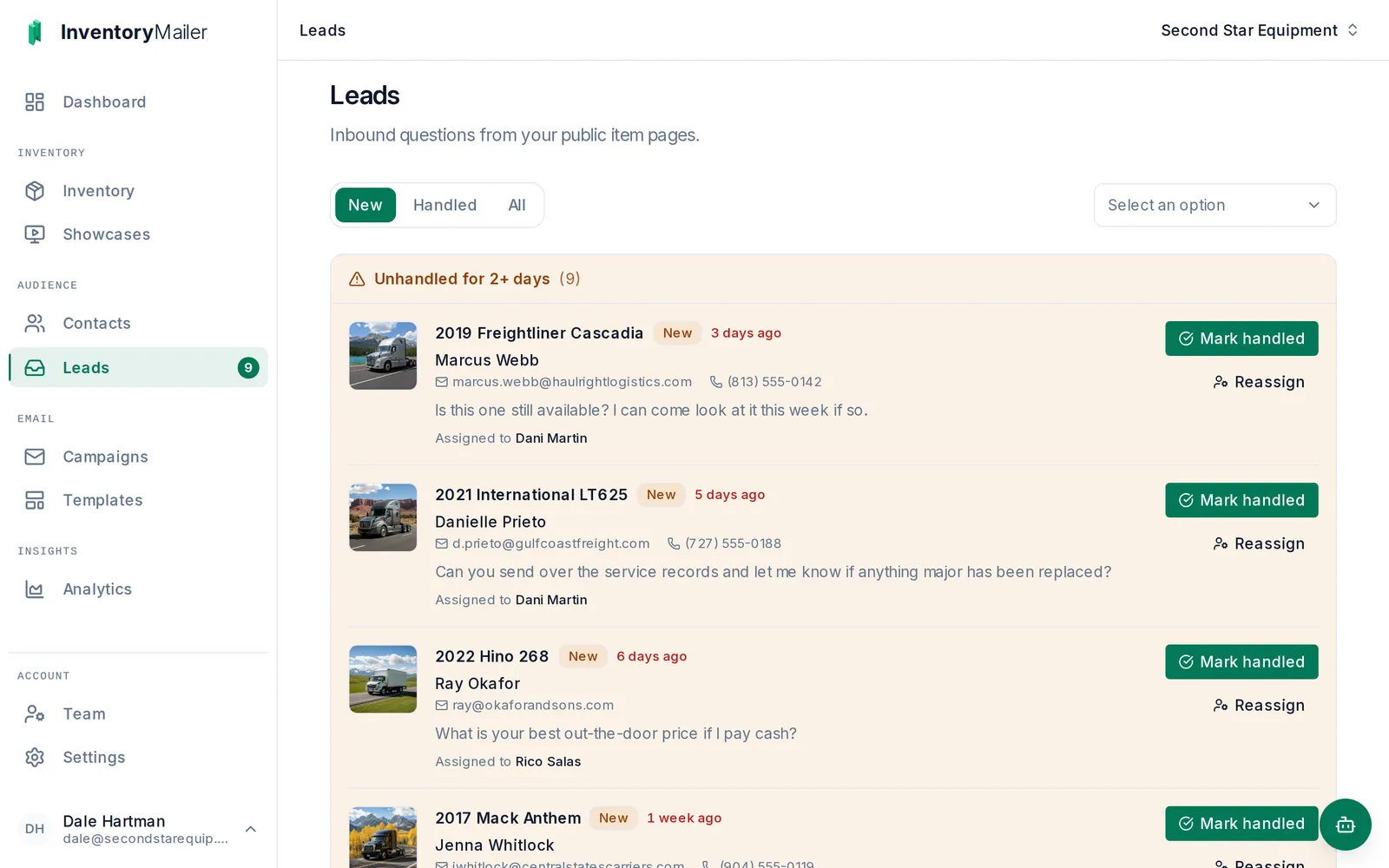

Inventory Mailer is built and run by one software engineer, after years of watching businesses with real inventory fight tools that were never meant for them. He answers his own email.
The legal side of email is built in, not left to you, so you can send with a clear conscience.
No. Upload a CSV on any plan and we read your column headings and map them for you, so a whole catalogue comes in at once. You can still add or edit items by hand whenever you want. On Pro and up you can also point us at a feed, a JSON or CSV file your system already publishes at a web address, and we read it on a schedule so your items update on their own. If your inventory lives somewhere none of those reach, tell us what you have and where it lives, and we will take a look.
Yes, on every plan including Starter. You add a few CNAME records to your domain once, which is what lets us sign your mail as you. We keep checking those records and tell you if one stops resolving.
Sending pauses until your next billing cycle, or you can buy an email pack: 10,000 more emails for $15, no expiry, bought by hand. Excess imported contacts mark inactive (still viewable, not sent to). We never auto-charge overage fees.
No. We offer a 30-day free Pro trial instead, capped at 500 emails and 500 contacts while you evaluate. It takes a card to start, which keeps the system free of abuse, but we never auto-charge. You pick a plan when the trial ends or the account goes read-only.
Access continues until the end of the billing period. After that the account becomes read-only. We keep your data so you can pick up where you left off; ask us to delete it and we do.
Upload your inventory and see what the emails look like. A card to start, no surprise charges.